Registering Agents
Agents in Distri are defined using Markdown files with TOML frontmatter. The recommended way to register agents is using the distri push command, which uploads your agent definition to the running server.
Using distri push (Recommended)
The simplest way to register an agent is to use the distri push command:
distri push agents/my_agent.md
This command:
- Validates your agent definition
- Uploads it to the running Distri server
- Makes it immediately available for invocation
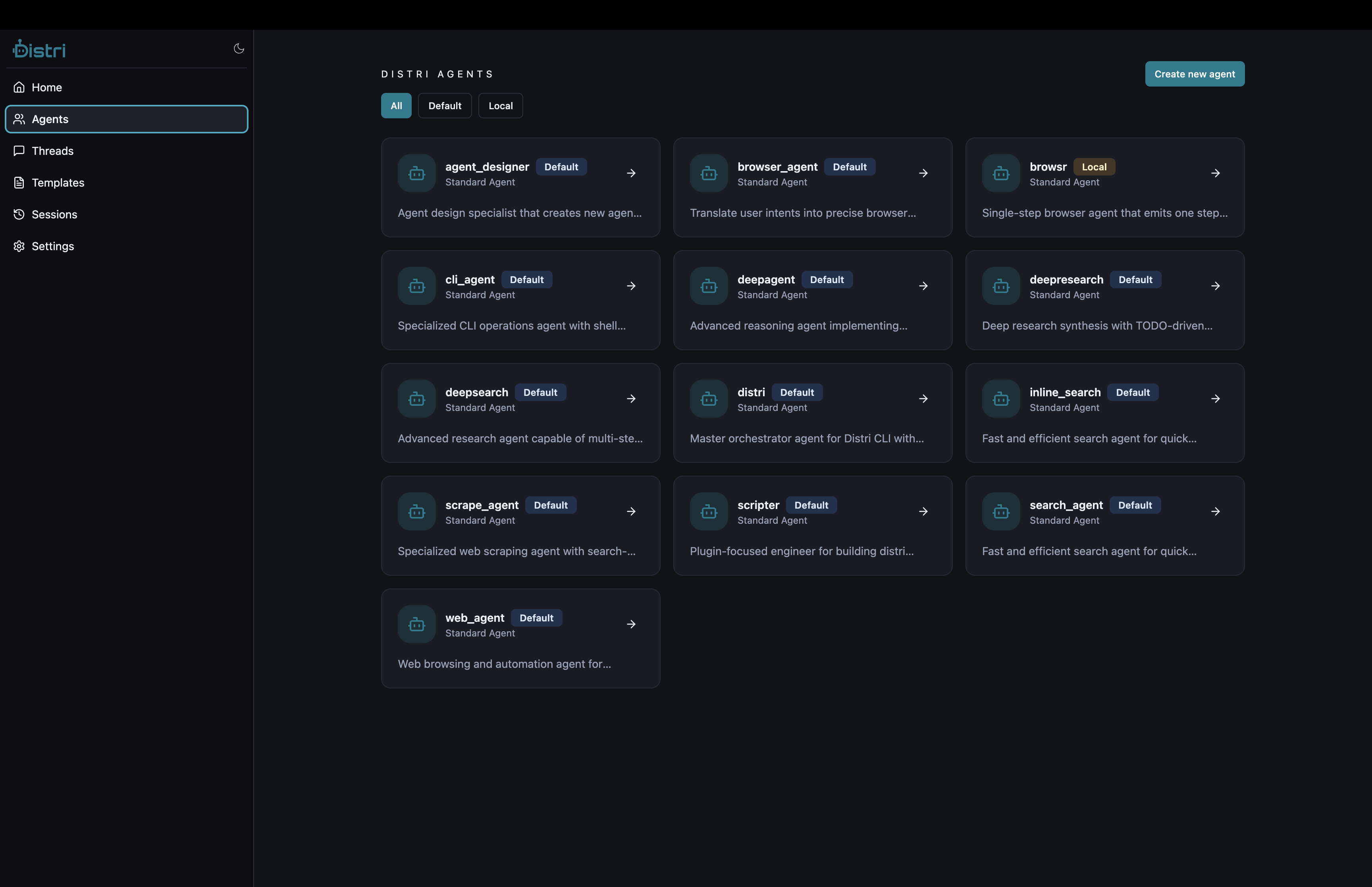
Example Agent Definition
Create agents/maps_agent.md:
---
name = "maps_agent"
description = "Operate Google Maps tools to execute user instructions"
max_iterations = 3

[tools]
external = ["*"]

[model_settings]
model = "gpt-4.1-mini"
temperature = 0.7
max_tokens = 500
---

# ROLE
You are a decisive Google Maps agent. Follow user instructions directly
and execute with tools. Be brief and action-first.

# CAPABILITIES
- set_map_center: Set map center to latitude, longitude with optional zoom (1–20).
- add_marker: Place a titled marker at latitude, longitude; optional description.
- get_directions: Retrieve route summary between origin and destination.
- search_places: Find places near latitude, longitude within radius meters.
- clear_map: Remove all markers and directions.
Then push it:
distri push agents/maps_agent.md
Programmatic Registration
- JavaScript/TypeScript
- Rust
- API
Using the Distri API directly:
import { Distri } from '@distri/core';

const client = new Distri({
  baseUrl: 'http://localhost:8787/api/v1',
});

// Read agent definition file
import { readFileSync } from 'fs';
const agentDefinition = readFileSync('agents/my_agent.md', 'utf-8');

// Register agent via API
const response = await fetch('http://localhost:8787/api/v1/agents', {
  method: 'POST',
  headers: {
    'Content-Type': 'application/json',
  },
  body: JSON.stringify({
    definition: agentDefinition,
  }),
});

const agent = await response.json();
console.log('Agent registered:', agent);
Using the Rust client:
use distri::Distri;
use std::fs;

#[tokio::main]
async fn main() -> Result<(), Box<dyn std::error::Error>> {
    let client = Distri::from_env();

    // Read agent definition file
    let agent_definition = fs::read_to_string("agents/my_agent.md")?;

    // Register agent via API
    let response = reqwest::Client::new()
        .post("http://localhost:8787/api/v1/agents")
        .header("Content-Type", "application/json")
        .json(&serde_json::json!({
            "definition": agent_definition
        }))
        .send()
        .await?;

    let agent: serde_json::Value = response.json().await?;
    println!("Agent registered: {:?}", agent);

    Ok(())
}
Using the REST API directly:
# Read agent definition
AGENT_DEF=$(cat agents/my_agent.md)

# Register agent
curl -X POST http://localhost:8787/api/v1/agents \
  -H 'Content-Type: application/json' \
  -d "{
    \"definition\": $(echo "$AGENT_DEF" | jq -Rs .)
  }"
Response:
{
  "id": "my_agent",
  "name": "my_agent",
  "description": "A helpful assistant",
  "tools": []
}
Agent Definition Structure
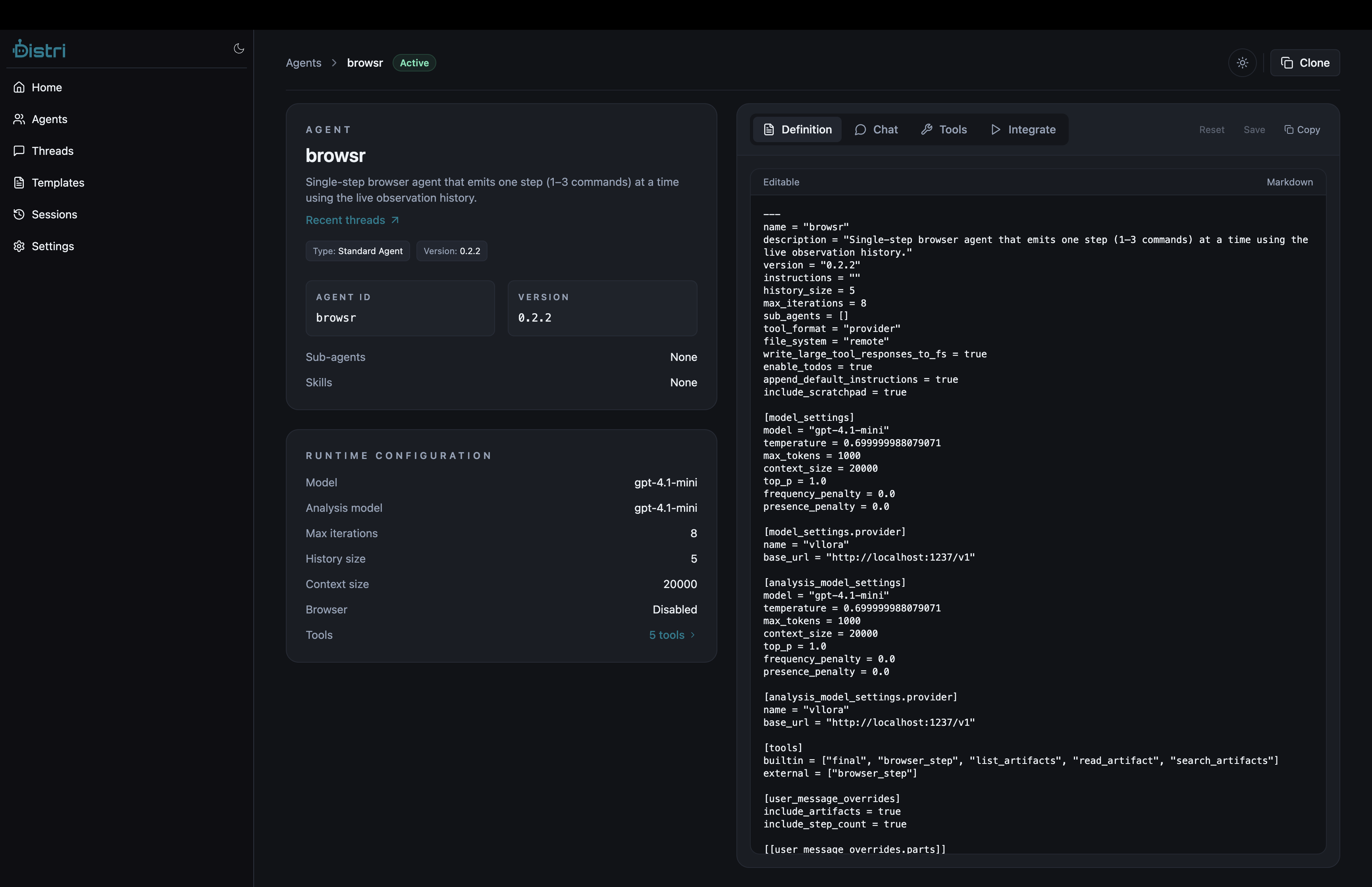
An agent definition consists of:
-
TOML Frontmatter: Configuration metadata
name: Unique identifierdescription: Brief descriptionmax_iterations: Maximum planning iterationstools.external: List of external toolsmodel_settings: LLM configuration
-
Markdown Content: Agent instructions
# ROLE: Agent personality and behavior# CAPABILITIES: Available tools and actions# TASK: Optional task template
See Agent Definition for complete details.
Verifying Registration
List all registered agents:
curl http://localhost:8787/agents
Get agent details:
curl http://localhost:8787/agents/my_agent
Best Practices
- Use descriptive names: Choose clear, meaningful agent names
- Version control: Keep agent definitions in version control
- Test locally: Test agents with
distri runbefore pushing - Document capabilities: Clearly list available tools in CAPABILITIES
- Set iteration limits: Configure
max_iterationsbased on task complexity