What is Distri?
Distri is a composable AI agent runtime for building in-product deep agents. Define an agent once, connect your product functions as tools, and deploy anywhere — as an API server, from the CLI, or embedded directly in your UI.
Your agents understand product context, call your APIs, and complete real workflows — with tools, memory, and state management built in.
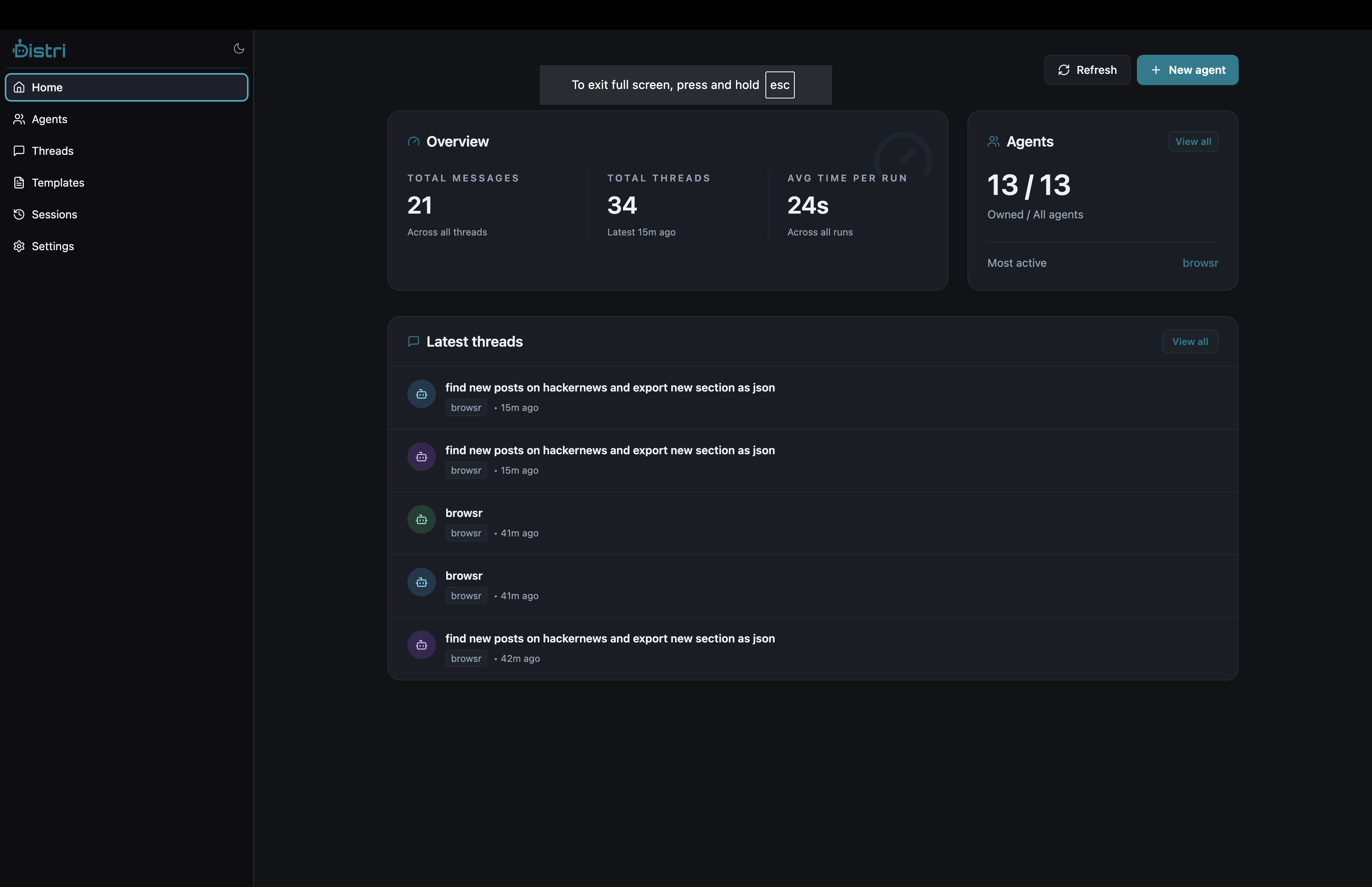
Three Steps to Ship an Agent
Describe capabilities and behavior in markdown. Configure model, tools, and guardrails.
Expose your product functions as tools. Let agents call APIs, navigate pages, search data, and update UI.
Run via CLI or deploy as an API service. Embed the UI or integrate via HTTP. Stream actions in real-time.
Choose Your Path
Distri Cloud
The fastest way to get started with managed infrastructure.
- Dashboard at app.distri.dev for managing agents, secrets, and API keys
- Push agents with
distri pushto sync your local definitions - Embed in your product using
@distri/reactwith a simple client ID
# Login to Distri Cloud
distri login

# Push your agent to the cloud
distri push
Get Started with Distri Cloud →
Self-Hosted (Fair Code License)
Distri is fair code licensed and always free to self-host. Run it on your own infrastructure with full control over your data.
Run Distri locally or on your own infrastructure. Full control over data and configuration.
- Run the server with
distri serve - SQLite database stores threads, tasks, sessions, and more
- No external dependencies — works completely offline
# Install the CLI
curl -fsSL https://distri.dev/install.sh | sh

# Start the local server
distri serve --port 8080

# Or run agents directly from CLI
distri run my_agent --task "your task here"
Get Started with Self-Hosted →
Core Concepts
| Concept | Description |
|---|---|
| Agent Definition | Markdown files that describe agent behavior, tools, and model settings |
| Tools | Functions your agent can call — both built-in plugins and your product functions |
| Threads | Conversation contexts that persist across messages |
| Sessions | Key-value storage scoped to a thread for maintaining state |
| Tasks | Individual agent invocations within a thread |
The CLI
The distri CLI is how you develop, test, and deploy agents. Run agents interactively, start the server, or push to Distri Cloud — all from the terminal.
# Install
curl -fsSL https://distri.dev/install.sh | sh

# Run an agent interactively
distri run my_agent

# Run a single task
distri run search_agent --task "who is the prime minister of singapore"

# Start the local server
distri serve --port 8080

# Push agents to the cloud
distri push
A2A Compatibility
Distri implements the A2A JSON-RPC spec for agent invocation. Core endpoints:
| Endpoint | Description |
|---|---|
GET /agents/{name}/.well-known/agent.json | Agent Card (A2A discovery) |
POST /agents/{id} | JSON-RPC requests (streams via SSE) |
GET /agents | List registered agents |
GET /agents/{id} | Get agent definition |
Highlights
- Built in Rust for fast, predictable execution
- Fair code licensed — always free to self-host
- Multiple deployment modes — CLI, API server, or embedded UI
- Extensible with modular plugins and MCP-compatible tools
- Real-time streaming of events, tool calls, and responses
- A2A compatible for interoperability with other agent systems