Quick Start
Get your first AI agent running in under 5 minutes.
1. Install the CLI
curl -fsSL https://distri.dev/install.sh | sh
Verify installation:
distri --version
2. Create Your First Agent
Create a project directory and add an agent definition:
mkdir my-agent && cd my-agent
mkdir agents
Create agents/assistant.md:
---
name = "assistant"
description = "A helpful assistant"

[model_settings]
model = "gpt-4.1-mini"
---

# ROLE

You are a helpful assistant. Answer questions clearly and concisely.
3. Run Your Agent
Option A: Run Locally (Self-Hosted)
Start the local server:
# Set your OpenAI API key
export OPENAI_API_KEY="your-api-key"

# Start the server
distri serve --port 8080
Your agent is now running at http://localhost:8080.
Test it with the CLI:
distri run assistant --task "What is the capital of France?"
Option B: Push to Distri Cloud
Login and push your agent to the managed cloud:
# Login to Distri Cloud
distri login

# Push your agent
distri push
Your agent is now live at app.distri.dev.
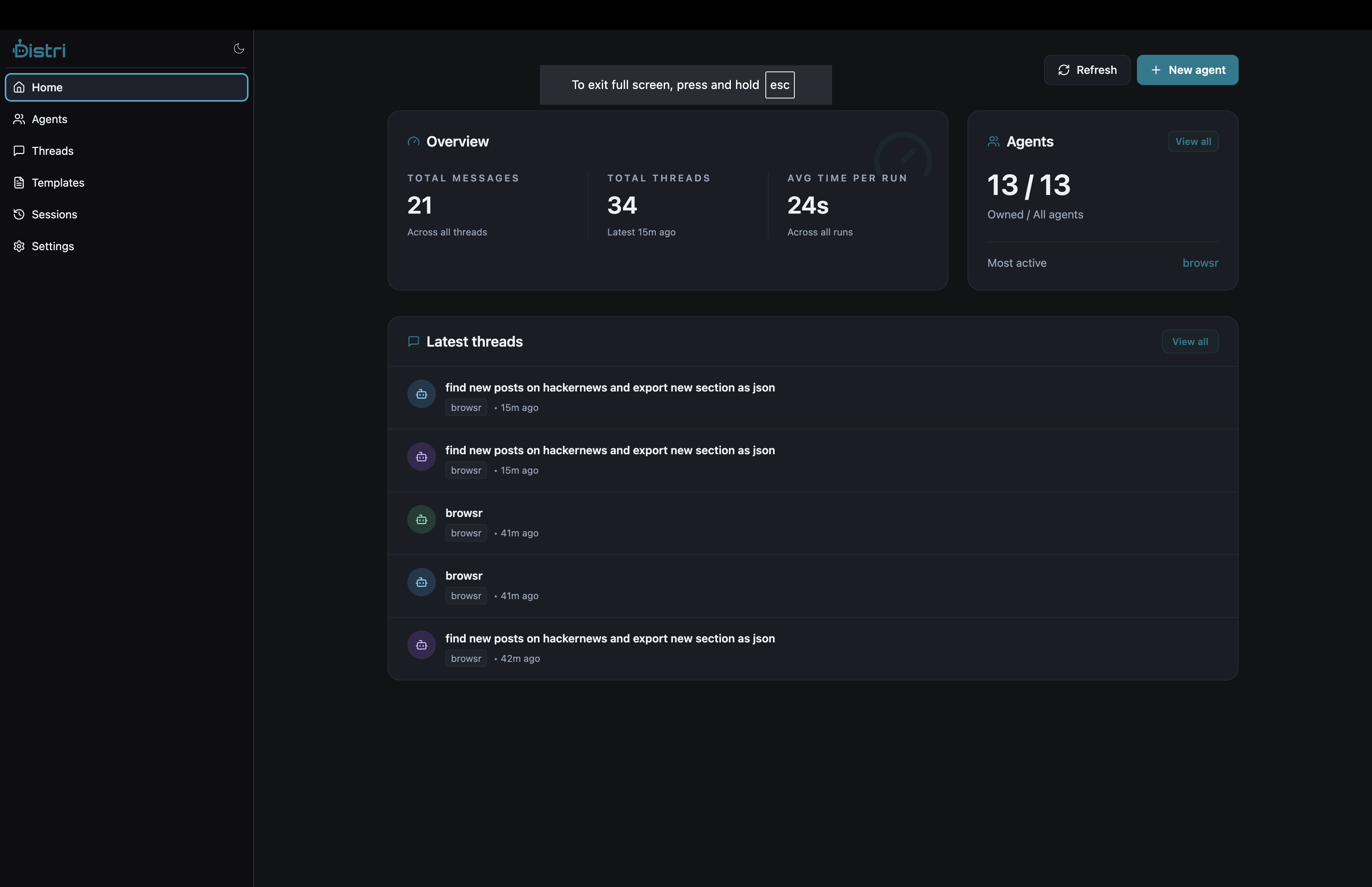
4. Test Your Agent
Using the CLI
distri run assistant --task "What is the capital of France?"
Using the API
curl -X POST http://localhost:8080/api/v1/agents/assistant \
  -H "Content-Type: application/json" \
  -d '{
    "jsonrpc": "2.0",
    "id": "1",
    "method": "message/send",
    "params": {
      "message": {
        "kind": "message",
        "role": "user",
        "parts": [{"kind": "text", "text": "Hello!"}]
      }
    }
  }'
5. Embed in Your Product
Install the React SDK:
npm install @distri/react
Add the chat component:
import { DistriProvider, Chat } from '@distri/react';

function App() {
  return (
    <DistriProvider config={{ baseUrl: 'http://localhost:8080/api/v1' }}>
      <Chat agentId="assistant" />
    </DistriProvider>
  );
}
That's it! Your users can now chat with your agent.
Next Steps
- Agent Definition — Learn the full agent.md syntax
- In-Product Tools — Connect your product functions
- Database Setup — Configure persistent storage