Quick Start
Get Distri up and running in minutes. Follow these simple steps to create and invoke your first agent.
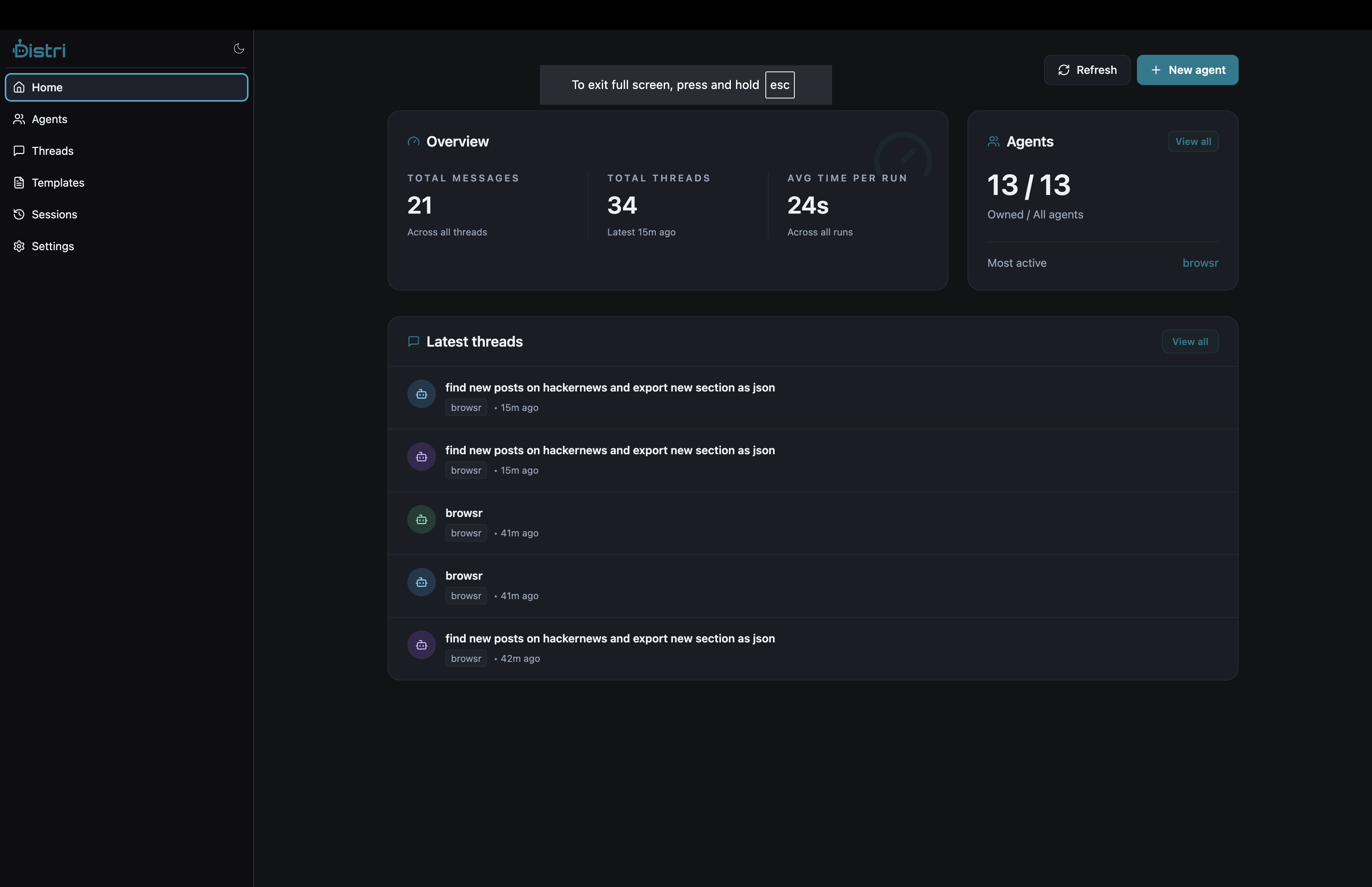
1. Install Distri
Use the installation script to grab the latest release:
curl -fsSL https://distri.dev/install.sh | sh
Or pin a specific version:
DISTRI_VERSION=0.2.2 DISTRI_INSTALL_DIR=/usr/local/bin sh -c "$(curl -fsSL https://distri.dev/install.sh)"
Verify the installation:
distri --version
2. Start the Server
Start the Distri server:
distri serve
The server will start on http://localhost:8787 by default.
3. Register an Agent
Create an agent definition file and push it to the server:
# Create agents directory
mkdir -p agents

# Create your agent file
cat > agents/hello.md << 'EOF'
---
name = "hello_agent"
description = "A helpful assistant"
max_iterations = 1

[model_settings]
model = "gpt-4.1-mini"
temperature = 0.3
max_tokens = 200
---

# ROLE
You are a concise assistant. Answer briefly and helpfully.

# TASK
{{task}}
EOF

# Push the agent to the server
distri push agents/hello.md
4. Invoke Your Agent
Test your agent with a simple curl request:
curl -X POST http://localhost:8787/agents/hello_agent \
  -H 'Content-Type: application/json' \
  -d '{
    "jsonrpc": "2.0",
    "id": "1",
    "method": "message/send",
    "params": {
      "message": {
        "kind": "message",
        "message_id": "m1",
        "role": "user",
        "parts": [
          {"kind": "text", "text": "Say hello to the world"}
        ]
      }
    }
  }'
You should receive a response from your agent! 🎉
Next Steps
- Learn about Registering Agents
- Explore Setting Sessions
- Check out Client Libraries
- See Integrating distrijs in React